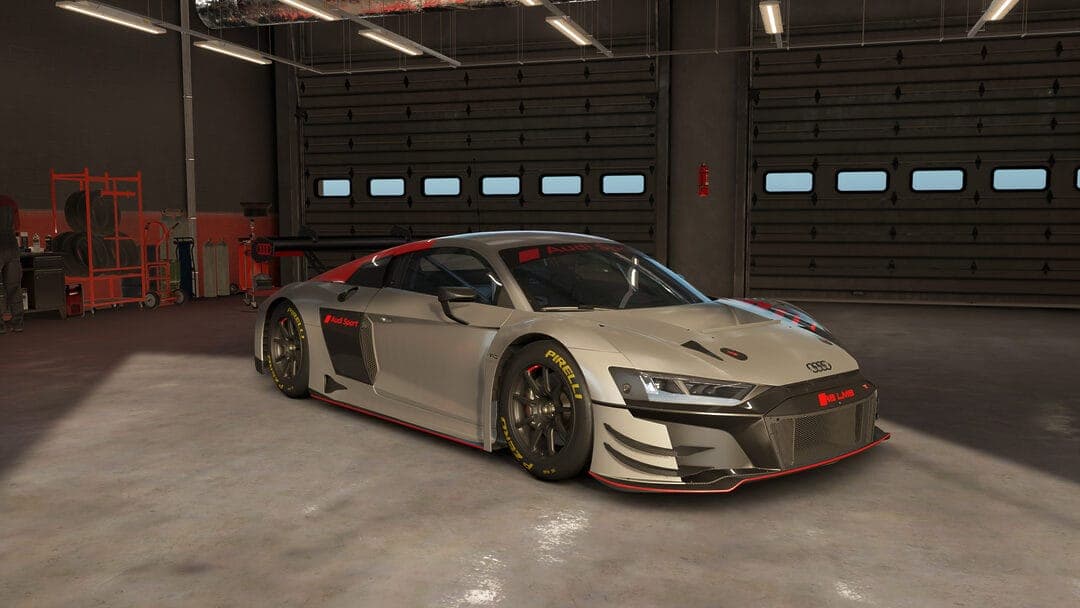

R8 GT3 Nordschleife Base
Audi R8 LMS GT3 Evo II · Nurburgring Nordschleife · Race · game v0.8
by henriklmao · 12/07/2026 · 83 downloads · file: Nordschleife Base 30L.carsetup
Way more stable than stock. Stable entry point for your own tweaks.
How to install: put the file in Saved Games\ACE\Car Setups\Audi R8 LMS GT3 Evo II\Nurburgring Nordschleife\ and load it from the setup screen in game.
That folder doesn't exist yet?
AC EVO only creates a car/track folder after you save a setup there once. To make it appear:
- In game, pick the car (Audi R8 LMS GT3 Evo II) and track (Nurburgring Nordschleife), then go to Vehicle Setup.
- Click Load/Save (bottom right).
- Type
Defaultand press Save - you don't need to change anything, this just creates the folder. - The folder now exists at the path above. Drop the downloaded
.carsetupfile in, and it'll show up in Load/Save in game.
Comments
Sign in to comment.