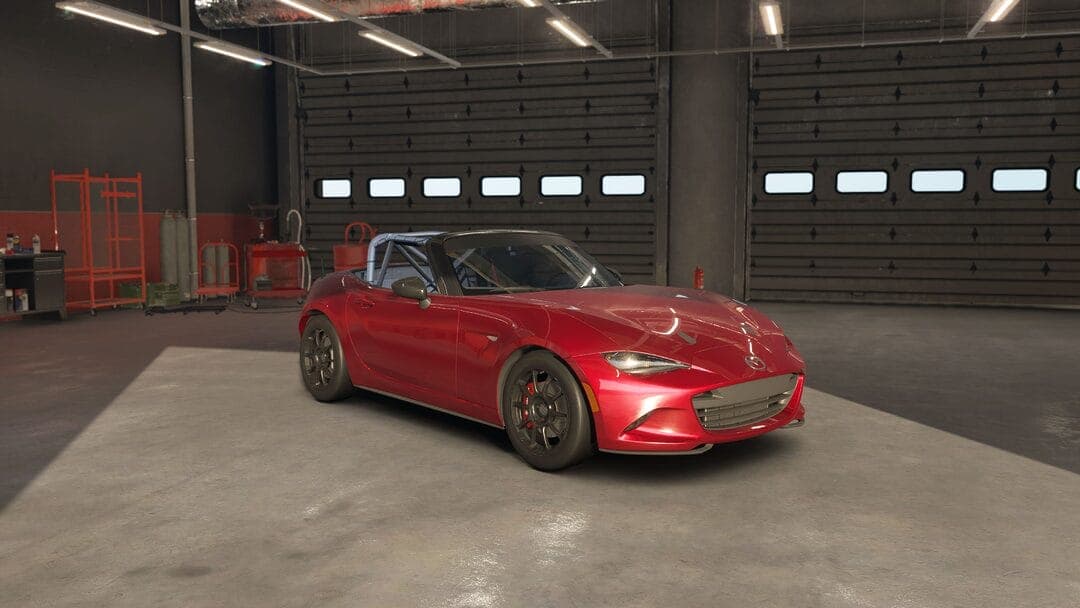
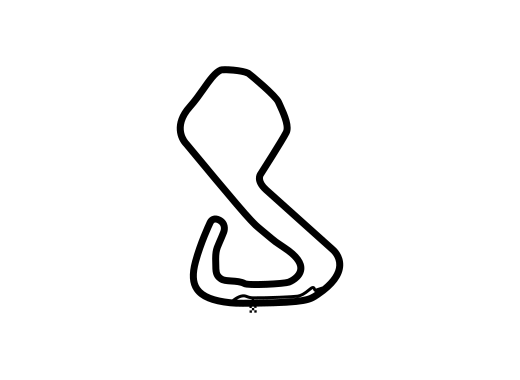
MX-5 ND Cup - Brands Hatch 15 min race
Mazda MX-5 ND Cup · Brands Hatch GP · Race · Dry · game v0.7
by maly_ksiaze · 11/06/2026 · 88 downloads · file: r15min.carsetup
How to install: put the file in Saved Games\ACE\Car Setups\Mazda MX-5 ND Cup\Brands Hatch GP\ and load it from the setup screen in game.
That folder doesn't exist yet?
AC EVO only creates a car/track folder after you save a setup there once. To make it appear:
- In game, pick the car (Mazda MX-5 ND Cup) and track (Brands Hatch GP), then go to Vehicle Setup.
- Click Load/Save (bottom right).
- Type
Defaultand press Save - you don't need to change anything, this just creates the folder. - The folder now exists at the path above. Drop the downloaded
.carsetupfile in, and it'll show up in Load/Save in game.
Comments
Sign in to comment.