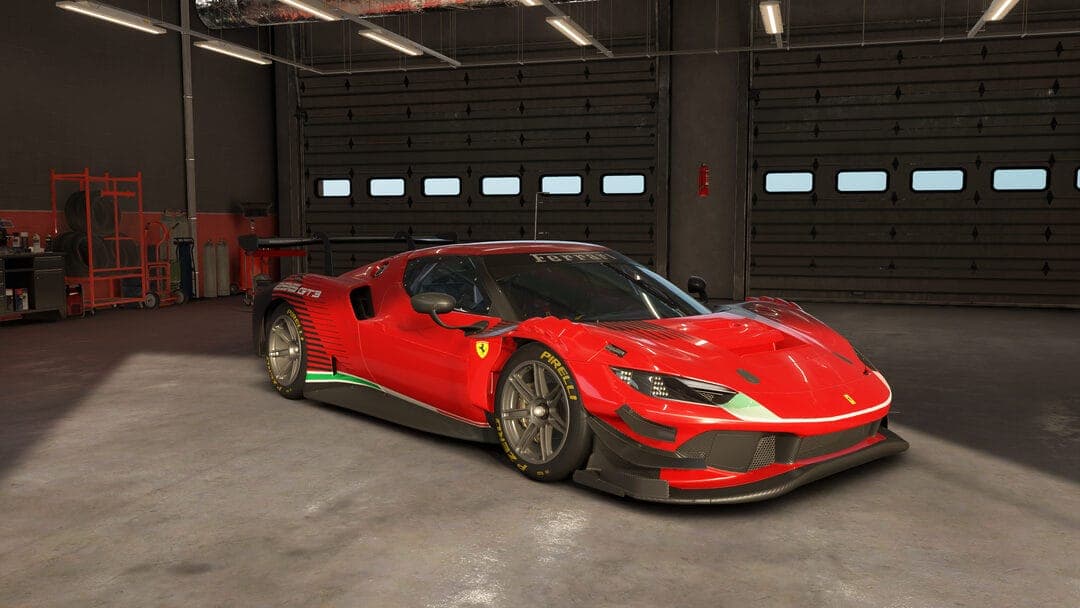
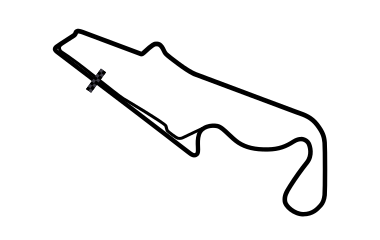
Ferrari 296 GT3 - Paul Ricard 1A V2 - Safe race setup
Ferrari 296 GT3 · Paul Ricard Full Mistral (no chicane) · Race · Dry · game v0.9.1 · ⏱ 1:55.300
by Donny_Tytgat · 02/10/2026 · 10 downloads · file: safe.carsetup
How to install: put the file in Saved Games\ACE\Car Setups\Ferrari 296 GT3\Paul Ricard Full Mistral (no chicane)\ and load it from the setup screen in game.
That folder doesn't exist yet?
AC EVO only creates a car/track folder after you save a setup there once. To make it appear:
- In game, pick the car (Ferrari 296 GT3) and track (Paul Ricard Full Mistral (no chicane)), then go to Vehicle Setup.
- Click Load/Save (bottom right).
- Type
Defaultand press Save - you don't need to change anything, this just creates the folder. - The folder now exists at the path above. Drop the downloaded
.carsetupfile in, and it'll show up in Load/Save in game.
Comments
Sign in to comment.